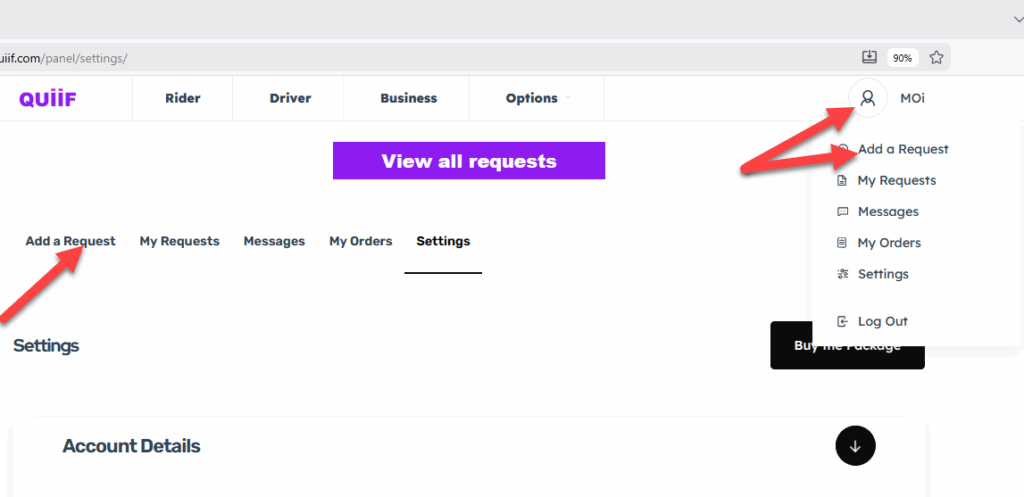
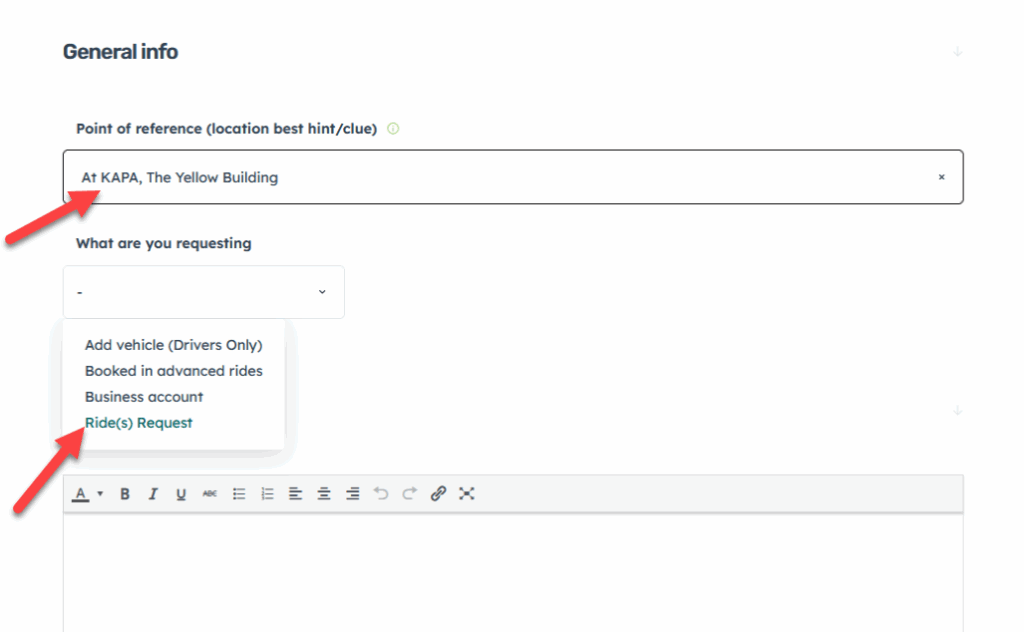
In the Point of reference, enter the name of a business or a easily recognizable place or thing that you are next to. This allows Drivers to find you faster
In the What are you requesting dropdown select “Ride(s) Request“
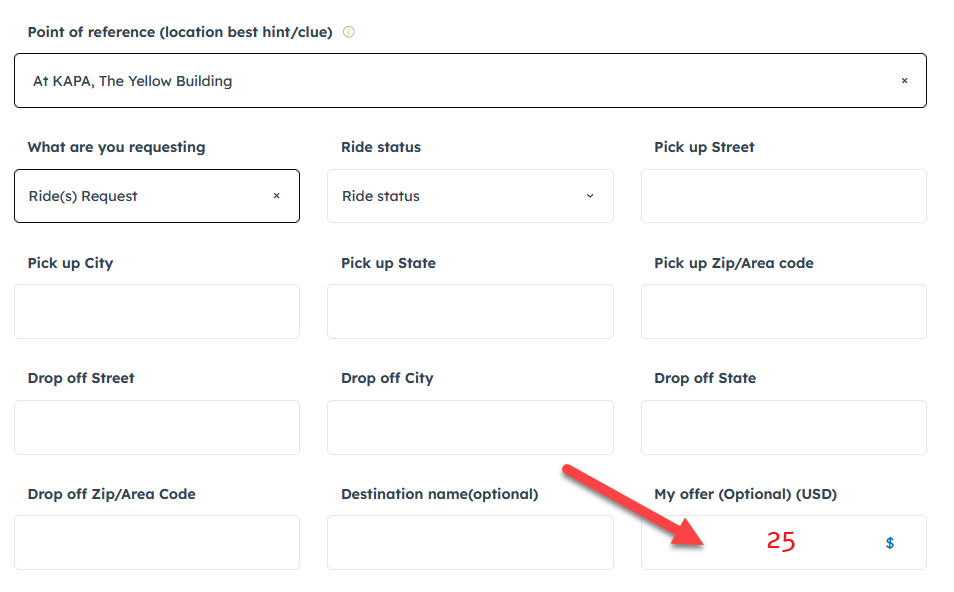
Fill out the form with your trip’s information. At the end, you could make an offer if you like. It could be because things are not going well for you at the moment, or you want to pay more to get a ride quicker.
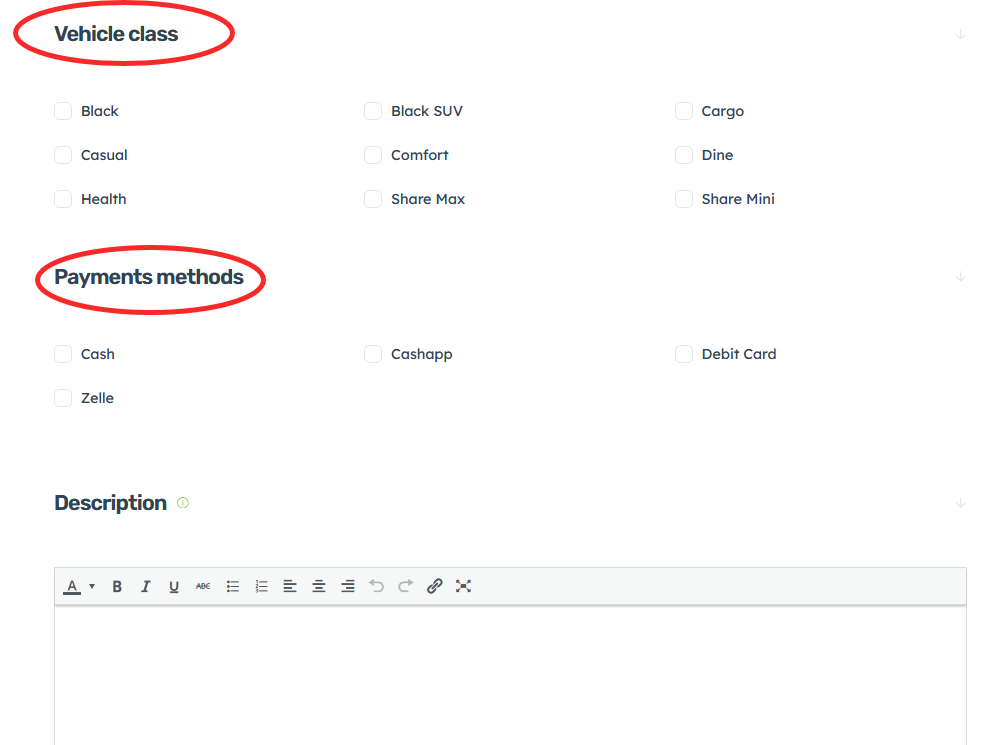
In the Vehicle Class section, choose the Quiif option that you would like to drive with
Then pick the Payments Methods that you will be using to for your fare
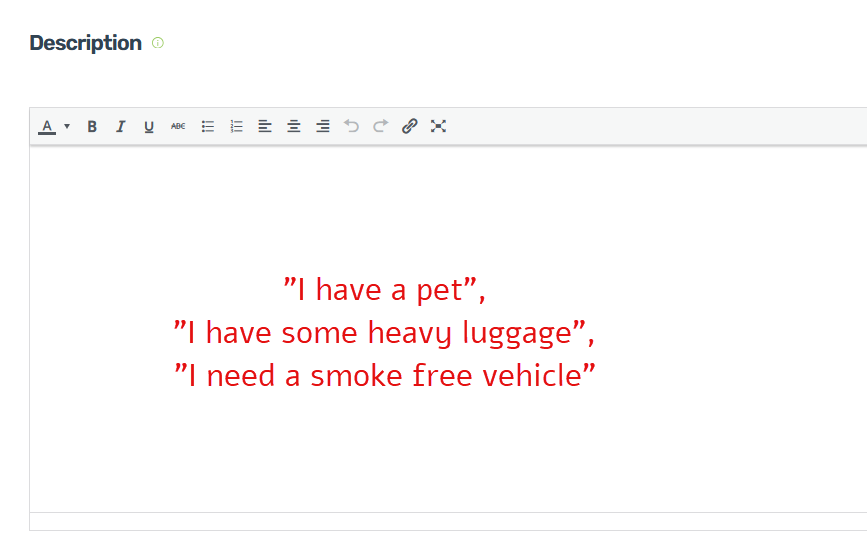
In the Description section,
Add certain things that you would like Drivers to know.
like “I have a pet”, “I have some heavy luggage”, etc..
IMPORTANT : Once you agree with a Driver and his is on his way, please go ahead and Close the Ride Request simply by changing the “Ride Status” from Active to Closed and scroll down to click on the Add Request button Once again to save your changes